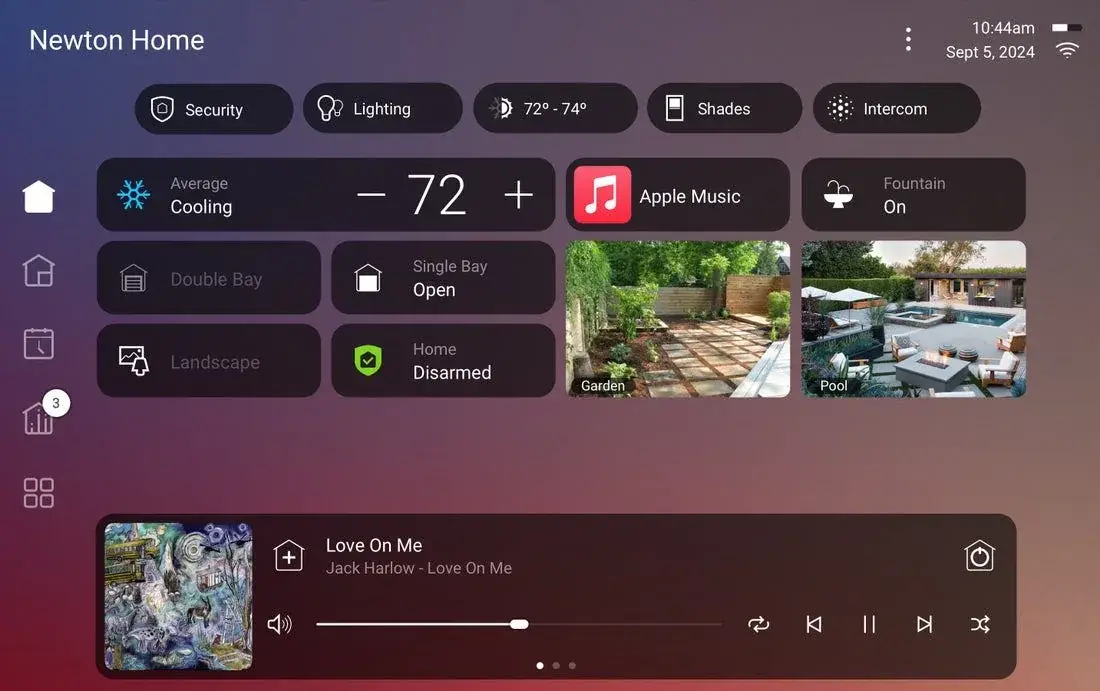
Smart home systems, whether it’s your AV setup, network, security system, or Control4 platform, are designed to run quietly in the background. When something goes sideways, most homeowners jump straight to calling their integrator. That’s not always necessary. A handful of basic checks can resolve simple issues in minutes and save you a service call. Other issues, though, are signs of a deeper problem that need a professional’s attention before they get worse.
Here’s a breakdown by system, along with a note on what to expect right after a new install.
AV Systems
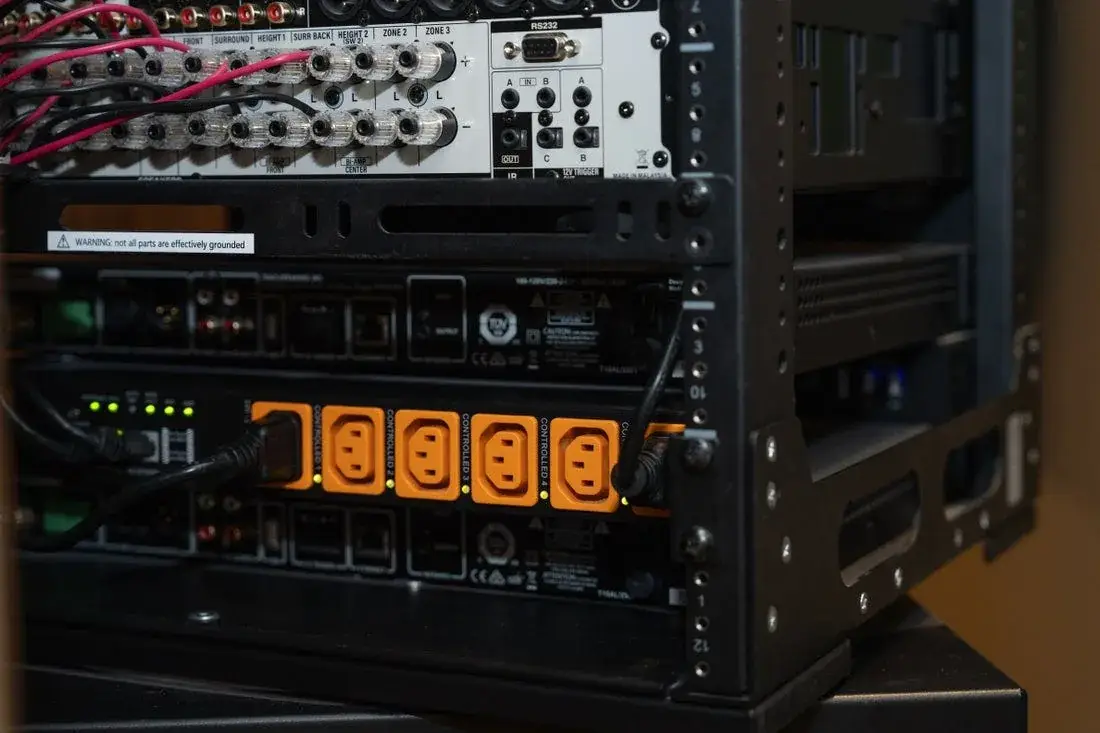
Try this first:
- Power cycle the affected component (receiver, TV, source device) by unplugging it for 30 seconds, not just turning it off
- Check that all cables are fully seated, especially HDMI connections, which can work loose over time
- Confirm the correct input or source is selected on both the display and receiver
- Restart your Control4 remote or app if commands aren’t registering
Call your pro when:
- The issue persists across a power cycle and reboot of every device in the chain
- Audio or video drops out intermittently with no clear pattern
- A firmware update failed partway through
- Multiple rooms or zones are affected at once, which usually points to a distribution or network issue rather than a single component
Persistent AV problems often need a closer look at the home theater system, not just one box on the rack.
Networking
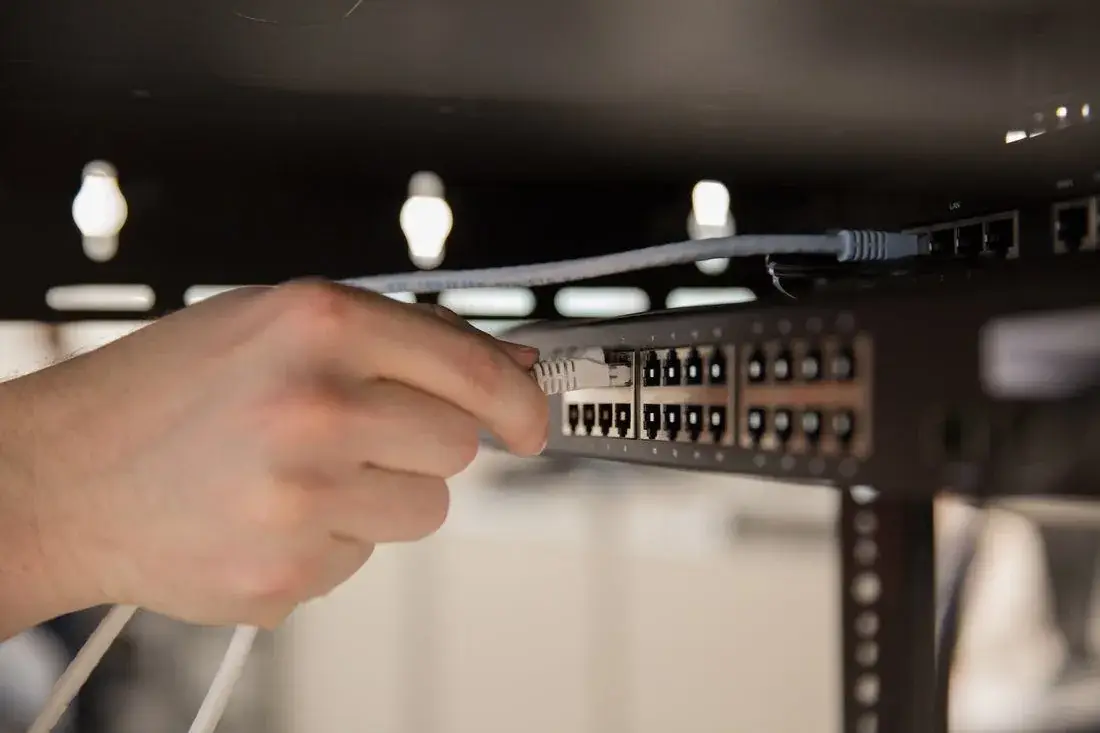
Try this first:
- Restart your router and modem in the correct order, modem first, wait a minute, then the router
- Check for a visible outage from your internet provider before assuming it’s your equipment
- Confirm the device having trouble isn’t simply out of Wi-Fi range
Call your pro when:
- One device consistently drops off the network while others stay connected
- You’re seeing slow speeds despite a full reboot and no provider outage
- Devices are getting new IP addresses unexpectedly, causing automations or control systems to lose track of them
Networking issues are often the root cause of AV, security, and Control4 problems that look unrelated on the surface. If more than one system is acting up at the same time, the home network is usually the place to start.
Security Systems and Surveillance
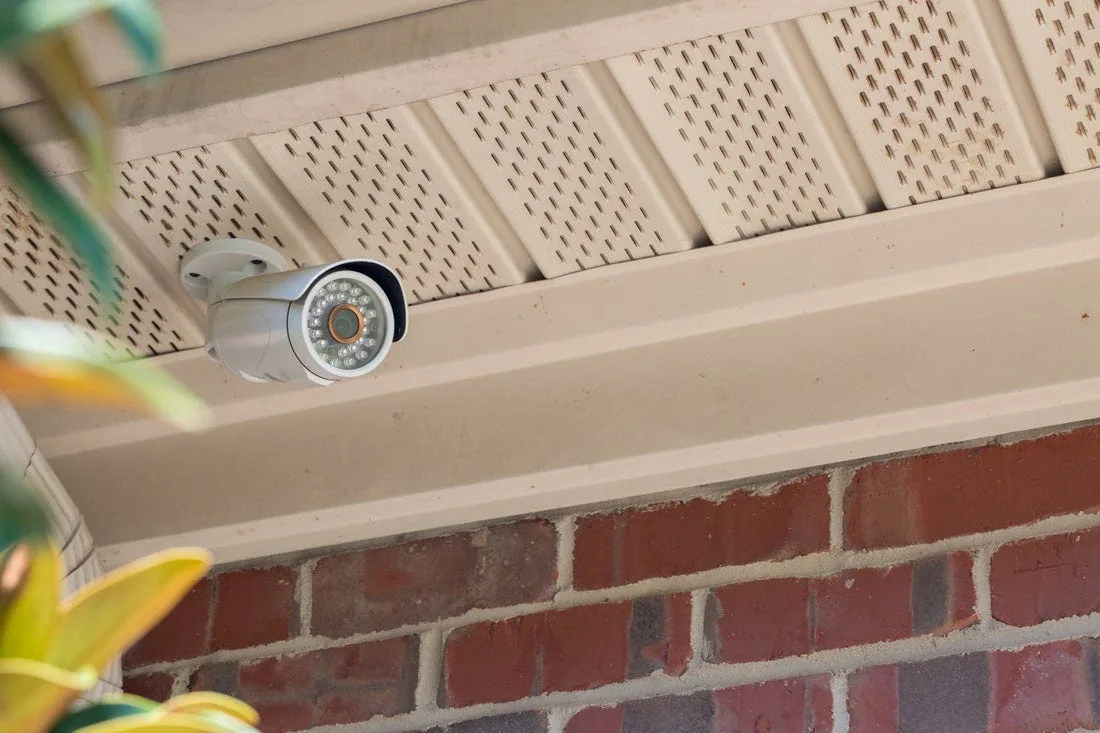
Try this first:
- Check that the panel or keypad displays a normal status, not an error or trouble light
- Confirm cameras are still receiving power, a loose PoE connection or unplugged injector is a common culprit
- Verify your NVR or storage device isn’t full, which can stop new recordings
Call your pro when:
- A sensor or camera shows as offline in the app but appears powered on
- The panel shows a persistent trouble code after a reboot
- Recorded footage has gaps that don’t match a power outage or network drop
- Anything involving monitoring service, since a miscommunication with the monitoring center is not something to troubleshoot solo
Control4 and Smart Home Control
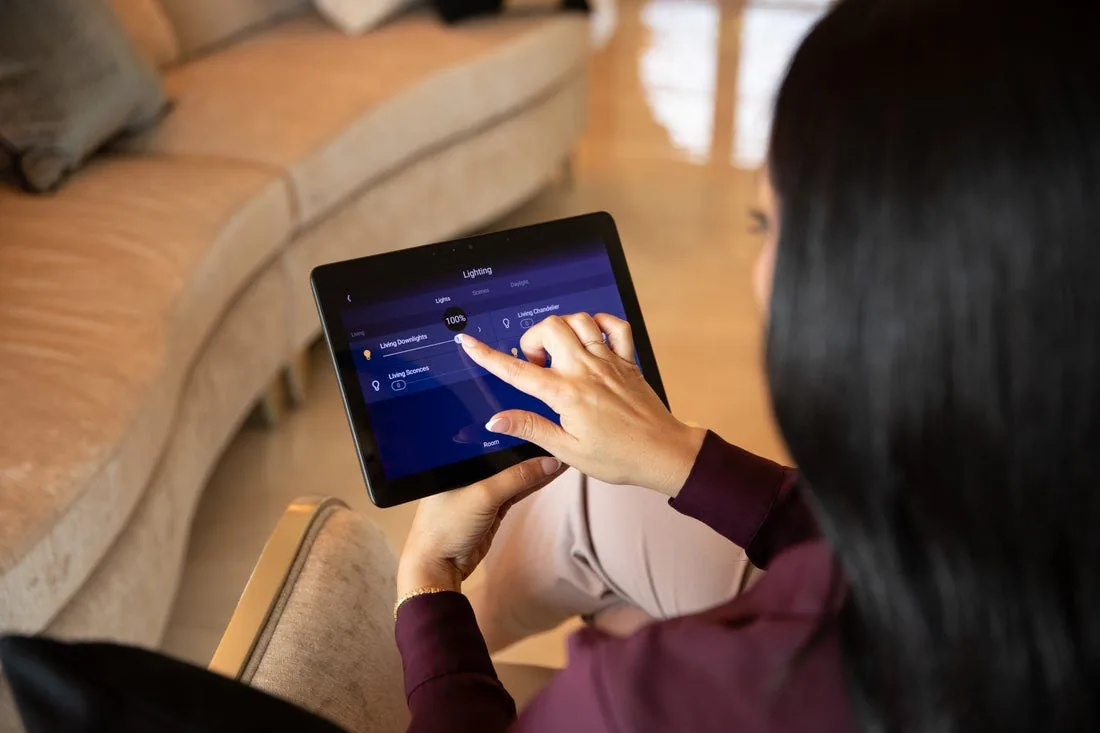
Try this first:
- Restart the app on your phone or tablet, and confirm it’s up to date
- Reboot the specific touchscreen or remote having trouble
- Give the system a minute or two after any power blip, controllers need time to fully boot and reconnect
Call your pro when:
- A device won’t respond after multiple reboots
- Programming behaves differently than expected, lights not following scenes correctly, schedules not firing
- You’ve made changes to your network, like replacing a router, and devices stop communicating afterward
- An error appears on the controller or touchscreen that you don’t recognize
Control4 systems run their own internal reconnection logic that isn’t visible or adjustable by the homeowner or even the integrator in most cases. If a device is stuck, a reboot is usually the right first move, not deeper poking around in settings.
Give New Installations Time to Settle
Right after a new system goes in, whether it’s a full Control4 setup, a new network, or added security devices, it’s normal to see a few small glitches in the first several days. Devices are completing firmware updates, registering with the controller, and settling into their permanent state on the network. A dropped connection or a scene that doesn’t fire quite right in the first 48 to 72 hours is often self-resolving as this process finishes.
If something is still acting up after that initial settling period, that’s the right time to reach out rather than continuing to wait it out.
The Bottom Line
Most basic troubleshooting comes down to power cycling the right device and confirming the network is stable. If a problem clears up with a reboot, no call needed. If it persists, affects multiple systems, or involves anything tied to monitoring or programming logic you can’t see, that’s the point to bring in your pro rather than spending more time on it yourself.